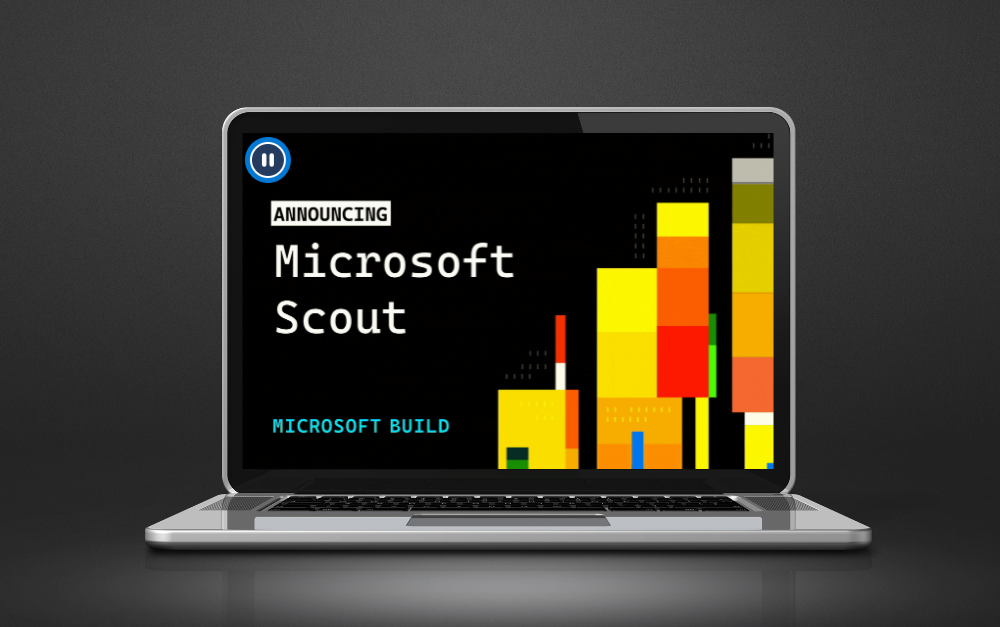
Imagine an AI assistant that doesn't wait for your commands in a chat window, but constantly works in the background—independently scheduling meetings, preparing briefings before calls, detecting project delays, and reserving time for key tasks. This is the vision behind Microsoft Scout—a groundbreaking, next-generation AI agent referred to as an "Autopilot."
What is Microsoft Scout? From passive chat to an autonomous "Autopilot"
The previous era of enterprise artificial intelligence was based on a reactive model: the user entered a prompt (command), and the system generated a response. Solutions like Microsoft 365 Copilot significantly accelerated document creation and email analysis, but they still required continuous human initiation.
Microsoft Scout opens an entirely new category of tools defined by Microsoft as Autopilots. It is an always-on, personal AI agent that:
- Operates proactively and autonomously—observes workflows and takes action on behalf of the user without needing step-by-step commands.
- Possesses its own digital identity—does not function as an anonymous script, but holds a unique, supervised identity in Microsoft Entra ID.
- Reduces "coordination fatigue"—takes over routine, micro-administrative tasks that previously distracted employees throughout the day.
Scout was developed based on the open technology OpenClaw, which Microsoft engineers enriched with rigorous corporate control, privacy, and compliance mechanisms.
How does Microsoft Scout work? Digital context and Work IQ technology
The key to Microsoft Scout's effectiveness is its deep integration into the user's daily work environment. The agent operates seamlessly across the cloud, desktop app, and browser version, connecting with key Microsoft 365 services:
- Microsoft Teams (the main interface for daily interaction and communication),
- Outlook (email and calendar management),
- OneDrive & SharePoint (access to company files and documents),
- MCP (Model Context Protocol) servers and local PC resources.
Work IQ Intelligence: Learning your work style
Microsoft Scout utilizes Work IQ technology, allowing the agent to build full operational context over time. The system analyzes how you work, which projects are your priority, who you collaborate with most often, and what next steps you need to take. Instead of executing simple, isolated tasks, Scout "carries work forward."
Key practical use cases
- Autonomous schedule planning and coordination: Scout can independently align meeting times across different time zones, spot scheduling conflicts, and automatically block off focus time in the calendar.
- Meeting preparation: Prior to an important event, the agent gathers relevant documents from OneDrive/SharePoint, summarizes email threads, and creates a personalized briefing for the user.
- Risk and bottleneck detection (Stalled Decisions): Scout analyzes project communications to identify situations where decisions are stalled or responses from key individuals are missing.
- Drafting content: It prepares summaries and draft response emails, leaving only the final approval to the user.
Instead of passively waiting for your questions, Scout:
- Analyzes the ongoing work context across Teams, Outlook, OneDrive, and SharePoint.
- Proactively identifies required actions and executes them within the boundaries of permissions granted by the organization.
- Connects processes across systems without requiring constant context-switching between programs.
Security and control: How does Microsoft protect data in the era of autonomy?
Granting an AI agent the authority to act proactively in the background raises valid security concerns. Giving AI overly broad permissions without oversight could lead to uncontrolled actions or data leaks.
Microsoft resolved this issue by implementing firm corporate governance control mechanisms:
- Dedicated Identity in Microsoft Entra ID: Every Microsoft Scout agent operates under its own managed identity in Microsoft Entra ID rather than an anonymous service account. All of its actions are 100% attributed to a specific entity and fully visible in the organization's audit logs.
- Strict Permission Control and Microsoft Purview: The agent operates strictly within the boundaries of permissions granted by administrators and the user. All data protection rules in Microsoft Purview apply to it—including sensitivity labels and Data Loss Prevention (DLP) policies.
- Human-in-the-Loop For high-sensitivity operations (e.g., sending a message to an external client or changing critical settings), Microsoft Scout requires explicit approval from the user before taking action.
Microsoft Scout vs. Microsoft 365 Copilot
It is worth emphasizing that Microsoft Scout does not replace Microsoft 365 Copilot; rather, it perfectly complements it, creating a modern, two-layer AI ecosystem in the enterprise.
The fundamental difference between these solutions lies in the vector of work initiation. Microsoft Copilot is a precise execution tool for ad-hoc tasks—it waits for your command, assisting you with document writing, Excel data analysis, or generating chat summaries on demand.
Microsoft Scout, on the other hand, is a digital, proactive coordinator. It runs continuously in the background, learns the context of your responsibilities using Work IQ technology, and ensures that projects don't lose momentum due to oversights or communication delays. Rather than limiting human creativity, Scout eliminates information noise and tedious administrative micro-tasks, creating space for work with Copilot to become even more effective.
As a result, the organization gains a complete modern work environment: fast support in creation and analysis from Copilot, along with full autonomous operational flow provided by Scout.
Requirements and deployment of Microsoft Scout in an organization
Microsoft Scout is being introduced to organizations gradually through pilot programs (including the Frontier Program and Private Preview). Due to its deep integration with corporate infrastructure, deployment requires meeting specific technical prerequisites:
- Licensing: Active Microsoft 365 Copilot and GitHub Copilot (Enterprise/Business) licenses.
- Device Management: Proper policy configuration in Microsoft Intune.
- Governance & Compliance: Enabling appropriate attestations and access control rules in Microsoft Entra and Purview.
For IT departments, this means preparing the cloud environment in advance to leverage the agent's full potential without exposing the organization to configuration risks.
How MScloud helps prepare your organization for autonomous AI
Microsoft Scout is currently in its testing phase (via Frontier and Private Preview programs), but the direction of enterprise software is already clear. Organizations that prepare their cloud environments early for the era of autonomous agents will emerge ahead.
As an experienced Microsoft technology partner, MScloud helps organizations navigate a safe transformation:
- Architectural Audit & Identity Hygiene: We analyze permission structures in Microsoft Entra ID, identifying configuration gaps before deploying agents.
- Microsoft Purview & DLP Implementation: We deploy sensitivity labels and data protection policies to ensure AI acts only on authorized data sets.
- Device Management in Microsoft Intune: We configure endpoint security policies required to enable Scout's advanced functionality.
The future of work lies in continuous collaboration with AI
Microsoft Scout sets the path for office software development in the coming years. Transitioning from tools that react to queries to autonomous agents that maintain business process continuity will save companies hundreds of hours.
Microsoft Scout can become a silent digital coworker that takes over the least productive aspects of our daily routine—tedious coordination, monitoring deadlines, and connecting scattered dots across processes.